Google Workspace Automation for Small Businesses in Marin
Google added four free automation steps to Workspace, Starter plan included. What they do for a small business in Marin, and what they can't.
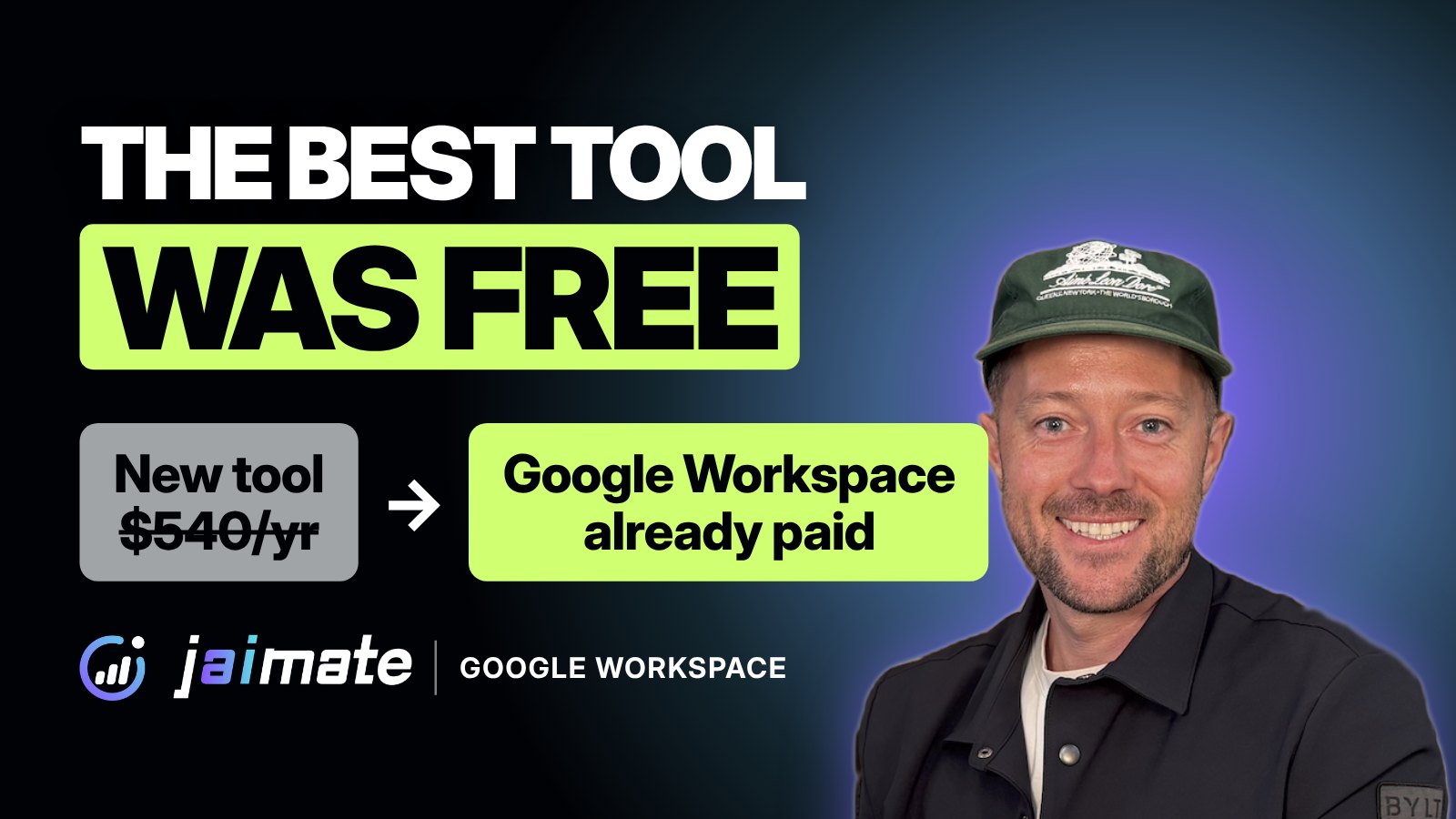
The best tool in her office is free, and it is the only one she can describe
I'm on a call with the owner of a Bay Area design firm and I ask her what's actually working. Not what she bought. What's working.
She goes straight to the meeting notes.
"Which has been a lifesaver. We used to have somebody sit in the office taking notes."
They used to pay a person to sit in the room and write down what got said. That job is now done by a free meeting notes tool and they're still on the free plan. Never upgraded, never needed to.
That was the first tool in the whole office she described to me herself. There's plenty else installed in there. Every time I asked about any of it she handed the question over to the person on her team who does the technical side, four separate times in one call. She's not slow and she's not disengaged, she's the founder, she's the one who pushed AI into that office in the first place. She just can't tell you what any of the expensive stuff does.
The cheapest thing in the building was the only thing that landed.
Google just did it to you again
On September 2 Google announced four new automation steps inside Workspace Studio. Copy a Drive file. Move a Drive file. Reply to an email. Send a Chat reply. Drive and Chat switched on around September 8, Gmail on the 14th.
Then read the availability list. Business Starter, Business Standard, Business Plus. Starter. The cheapest business plan Google sells. So if you're a five person shop in Novato paying for Workspace so the lads have proper email addresses instead of Gmail, you already own this. You bought it before it existed.
I've been building that exact thing for clients in Zapier all year. Move the job photos into the right client folder. Reply in the thread when the enquiry comes in. (Why the fast reply matters is in why 5 minutes decides who wins the job.) Now it's sitting inside a subscription they were already paying for, at no extra cost, and I'm not selling anybody a Zapier seat for it anymore.
That should be bad news for me. It isn't, because of the design firm.
Nobody thinks they're buying software
Another owner named this for me herself, mid call, before I got anywhere near it:
"Everybody's like, oh, we'll just get a CRM and it will just do it all."
That's the belief in every office I walk into. The workflow comes in the box. You buy the CRM and the CRM does the CRM bit. You switch on Workspace Studio and Workspace Studio works out which of your files should go where.
It doesn't. Somebody has to sit down and say out loud: when a photo comes in from Danny's phone on a Tuesday it goes in this client folder, named this way, and the customer gets a reply in the same thread saying the work is done. That's an afternoon of somebody writing out how the shop actually runs, and right now most of that lives in one head and has never been written down anywhere.
Google built the hands. The naming convention is still sitting in your head where it's always been.
What this actually costs a small business in Marin
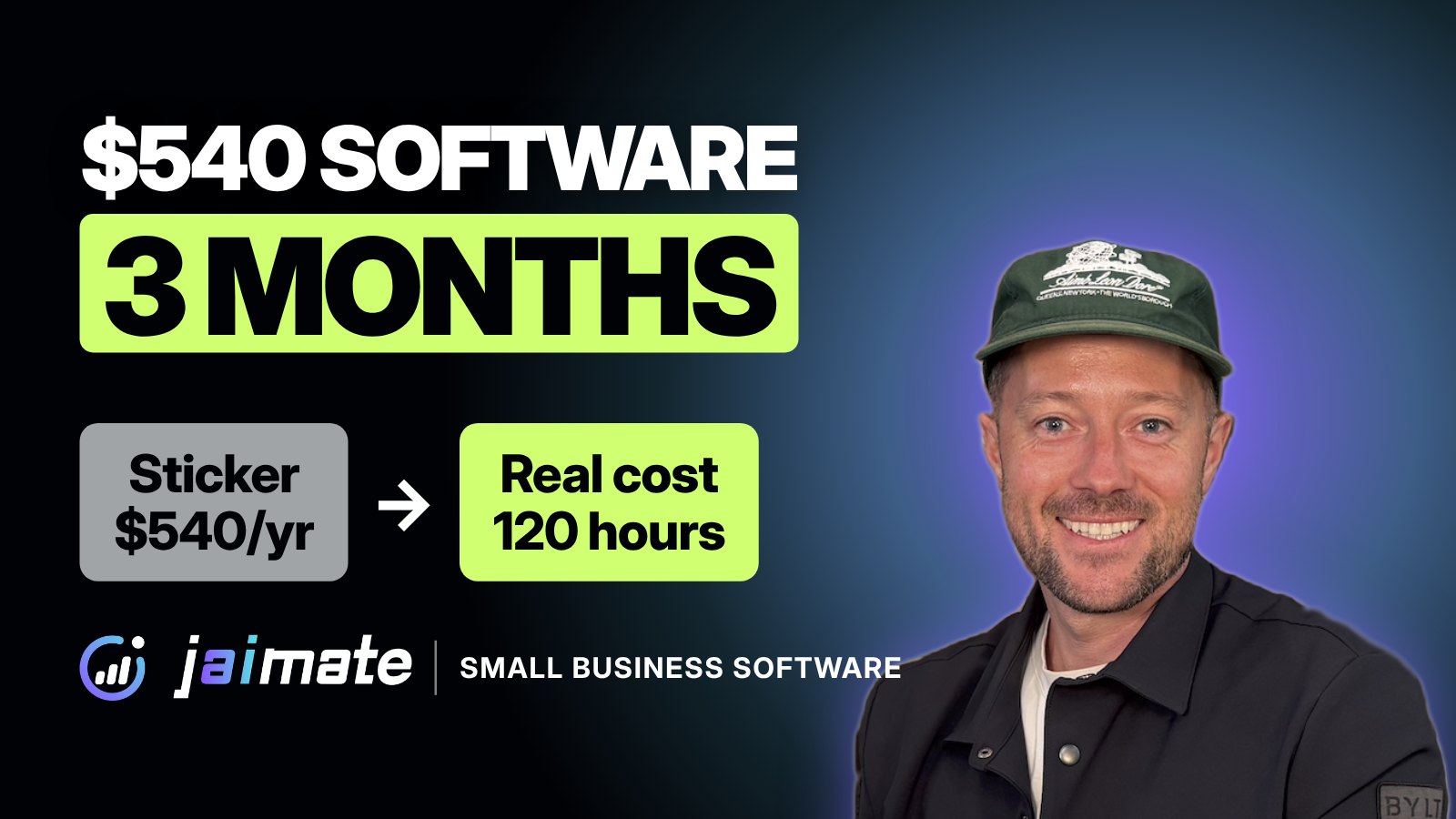
Same owner, different conversation. She was pricing up a do it yourself setup and worked out the real number in front of me. The tool was $540 a year, which is nothing.
"You guys have to be ready for me to split my time in half just for the CRM for at least three months. So that cost hasn't been put into account either."
She works twenty hours a week and she's the only paid person in that organisation. So the true price of the $540 tool was ten hours a week for three months of the only paid staffer in the building. Nobody had put that anywhere near the budget, and she was the one who spotted it. The full sum is in what small business software really costs to set up.
Fair play to her, because I've sat in a room with seventy people on the payroll where nobody had ever done that sum.
Now run the same sum on the free thing. Workspace Studio costs zero dollars extra. The setup cost hasn't moved a penny. Google Workspace automation for a small business in Marin is somebody sitting down and writing the decisions out, and the price of that is hours off the one person who can't spare them.
The free meeting notes tool won because it needed nought decisions off anybody. You press record.
Before you switch anything on
Walk your own office first and answer these. Where does the paper actually move? Who's the one person who knows the naming convention? What happens to a job photo between the phone that took it and the folder it's supposed to end up in? Which of those steps falls over if that person is out for a week? And which of them does anybody ever check?
None of that is a technology question and you don't need Google to answer it. If you can't pick which job to start with, I wrote about what to automate first in a small business.
Then take one. One folder, and the reply that goes with it. Run it for a fortnight and see whether it holds up on the week a job goes sideways, because that's the week that kills these things, not the quiet one you tested it in.
The four steps are free now. Nobody's coming out to write down how your office works.
I'm in Tiburon, so I'm about half an hour from most of Marin, and I'd rather do this standing in your office than on a call. Two things you can send me. First, open your Google Workspace admin billing page and tell me which plan you're on, Starter, Standard or Plus. That one word tells me which of these four steps you already own and which you don't. Second, name the one job in your week that always ends with somebody dragging files into a folder or retyping the same reply.
I'll come back with which of it Workspace Studio can do as it stands, which of it needs something built, and which of it you should be deleting instead of automating. That costs nothing and it's usually the deleting one.
Book 20 minutes, or email jay@jaimate.com with the plan name and the job.
Questions owners ask me about Google Workspace automation
What is Google Workspace Studio? It's where you build automations inside Google Workspace. In September 2026 Google added four steps to it: copy a Drive file, move a Drive file, reply to an email, and send a Chat reply.
Which Google Workspace plans include it? Google's availability list for those four steps has Business Starter, Business Standard and Business Plus on it. Starter is the cheapest business plan Google sells.
Do I still need Zapier if I have Google Workspace? Not for moving files into the right folder or replying in the thread. I built those in Zapier for clients all year, and they now sit inside the subscription.
What does Google Workspace automation cost a small business? Nothing extra for the tool. The cost is the hours of whoever writes down how the office runs: which file goes where, named what, and what the customer hears back.
Where should I start? One folder, and the reply that goes with it. Run it for a fortnight and see whether it holds on the week a job goes sideways.